Screlio
Try your next YouTube tutorial

Better-looking tutorials. A free place to start.

Try the recording, zooms, captions, and editing tools on a short tutorial. Start free on Windows or Mac, then choose full access when you are ready.

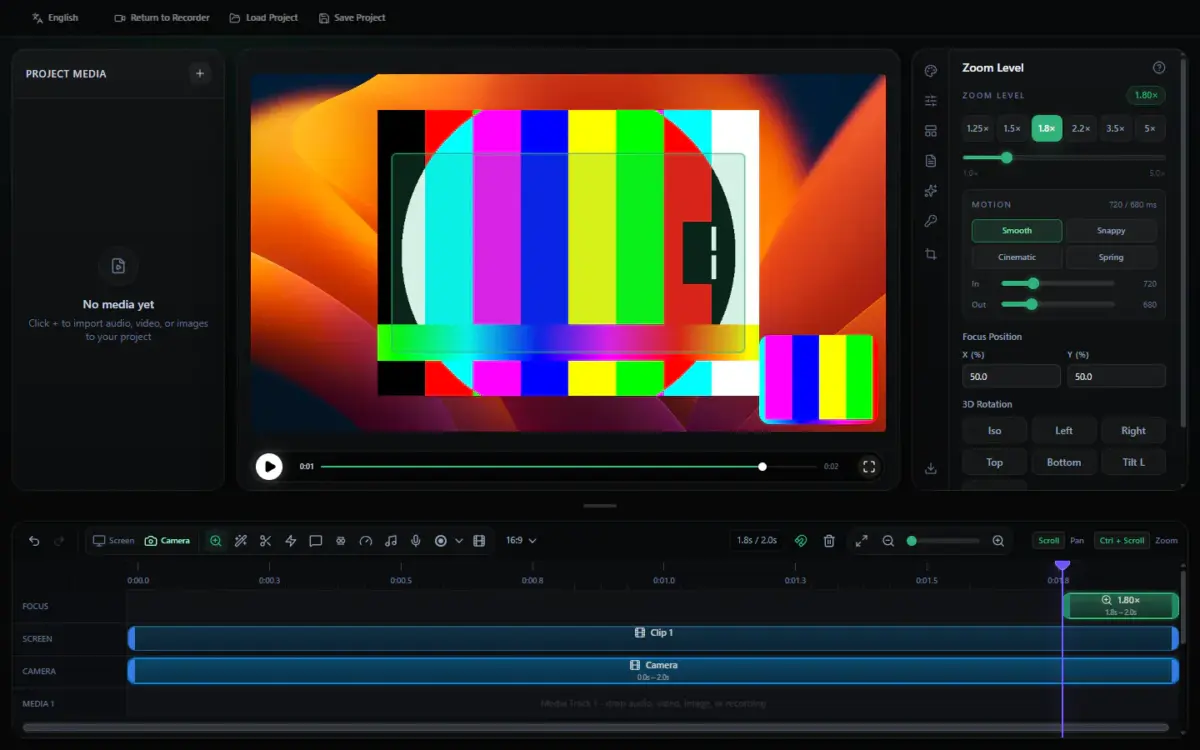
Screlio’s screen recording and editing workspace
Free DemoFreeMake a short tutorial
Windows + Mac Record up to 5 min No payment
Start with the free Demo. Try the workflow before you subscribe.Create all year. $99/year $49/year · Discounted annual price.Create month by month. $14.99/month · Available now.

Find a plan for your next upload.

Test a short recording for free, or choose an annual or monthly subscription. Secure checkout runs through Creem; your Screlio account keeps your license and purchases together.

Available now

Free Demo

Free

See how your next tutorial could look before choosing full access.

  • Try recordings up to 5 minutes
  • Export a test to review
  • Explore the recording and editing tools
  • Record your screen, voice, app audio, and webcam
  • Try zooms, captions, callouts, and polished backgrounds
  • MP4 and GIF export
Flexible · Monthly

Monthly

$14.99 / month

Full recording and editing access with the flexibility of monthly billing.

  • Capture your screen, app audio, voice, and webcam
  • Shape your timeline with zooms and clear cursor effects
  • Explain each step with captions, callouts, and visuals
  • Keep your channel’s look with backgrounds and saved projects
  • MP4 and GIF export
Choose Monthly →
Use the free Demo to test recording and editing with takes up to five minutes. Export a sample and check the finished result before choosing a subscription.

No payment is needed for the Demo. Subscriptions renew at the listed rate until canceled. Any applicable tax appears before you pay.

Spend more time sharing what you know.

Bring capture, pacing, polish, and future updates into one place. Screlio helps you finish the screen tutorial you set out to make.

01 / RECORD

Show the task on your screen.

Capture the app, your explanation, system sound, and your webcam in one recording.

02 / FOCUS

Help viewers follow the details.

Use automatic zooms and clear cursor effects to bring each action into view.

03 / POLISH

Give your upload a finished look.

Tighten cuts, review captions, and add a background that fits your channel.

04 / REVISIT

Keep the project for the next edit.

Reopen the timeline and replace a section when your tutorial needs new footage.

Build a repeatable look for your YouTube tutorials.

Keep your clips, captions, webcam, and visuals together. Save the project so your next revision starts with the work you have already done.

Explore the tutorial editor →

A few answers before your next upload.

Try the available recording and editing tools with takes up to five minutes. Make a short tutorial, export a sample, and review how it looks and sounds.

Just choose the right Windows or Mac ZIP and enter your email. The Demo download starts without an account or payment.

Choose Annual for $49/year or Monthly for $14.99/month. Checkout opens on account.screlio.com and Creem processes your payment. Your license follows payment; new customers also receive account setup details by email.

Choose Apple silicon for an Apple M-series chip, or Intel for an Intel processor. You can find this under Apple menu → About This Mac.

Your next tutorial could look this good.

Download the free Demo and try the polish on a short screen recording of your own.

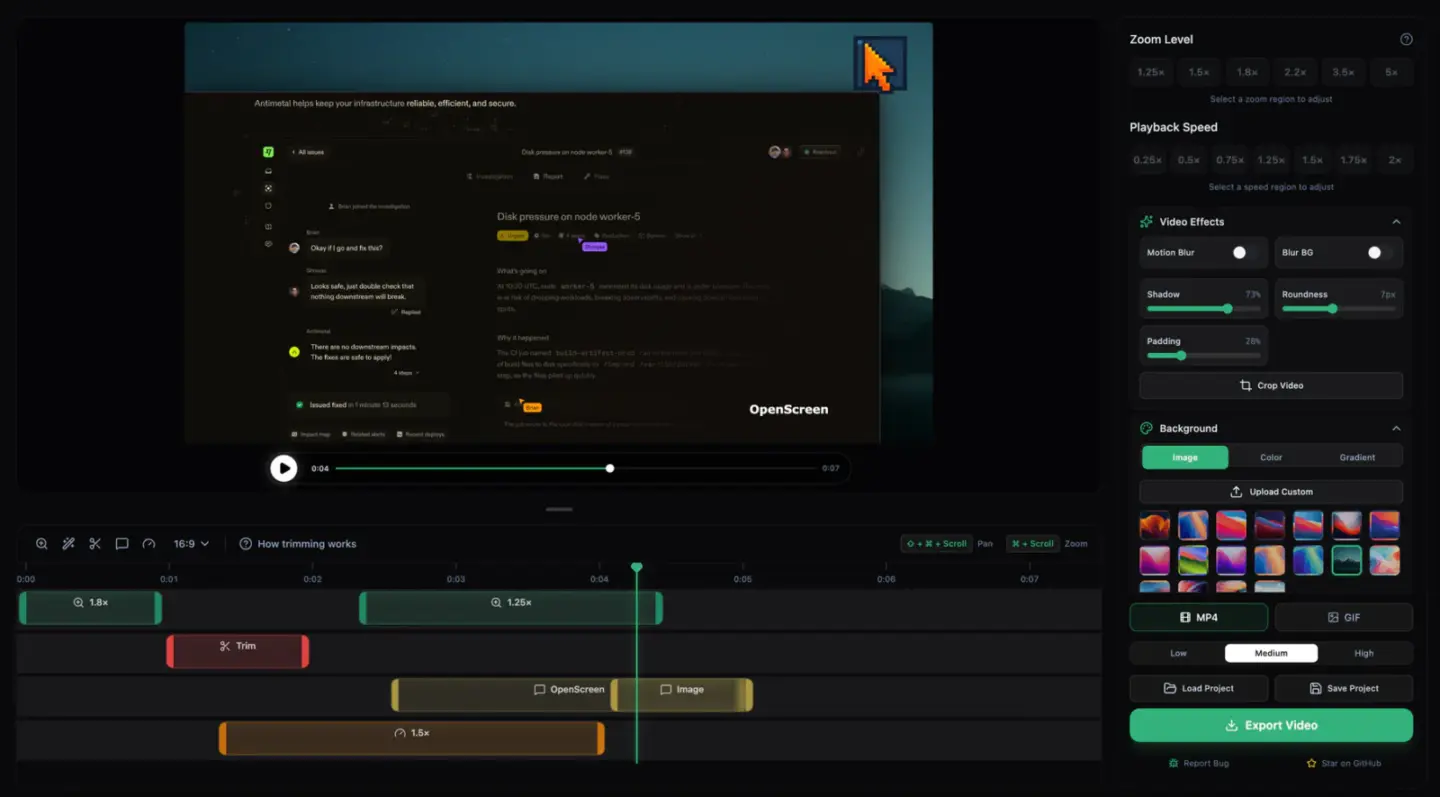
Screlio’s guided zoom editor
Record. Polish. Ready to upload. One workspace for better-looking YouTube tutorials.

Make a short test first

Enter your email to get the ZIP and try a recording up to five minutes. For minimum system requirements or Demo watermark details, ask the Screlio team before planning a public upload. You can also review download and Demo details and the setup guide.